I have been putting off starting a blog for months. Today I finally opened Claude (an AI assistant) and typed: “If I give you Linux server credentials, can you install WordPress on it?”
Claude said yes. And that kicked off a 30-minute conversation where I basically just followed instructions, took screenshots, and asked “what next?” over and over. The result is the blog you are reading right now.
Let me show you exactly how that conversation went.
Me: “Where should I buy a server?”
I started by asking Claude where to get a cheap server for a blog. It recommended a few options — Vultr, DigitalOcean, Hetzner — and said Vultr was a good balance of price and performance, with a data center in Los Angeles that would work well for English-speaking traffic.
I mentioned that I wanted to target international readers, not just Korean ones. Claude immediately adjusted its recommendation: skip the Seoul server, go with LA instead. It also said the $6/month plan (1 vCPU, 1GB RAM) would be more than enough for a blog.
So I logged into Vultr and saw this:
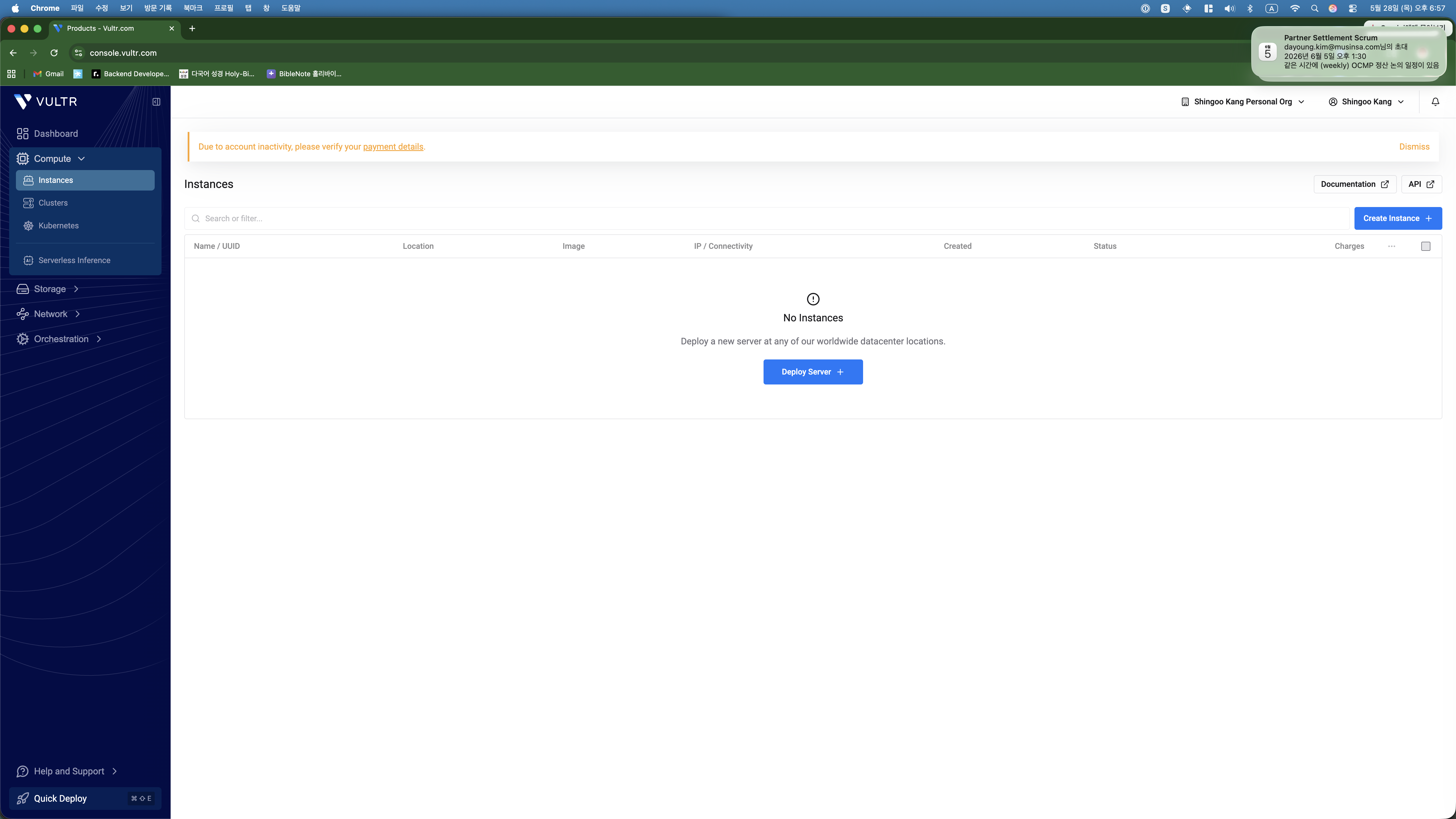
Me: *sends screenshot* “Now what?”
This became the pattern for the entire setup. I would see a screen I was unsure about, take a screenshot, send it to Claude, and get step-by-step instructions back.
When I clicked “Deploy Server,” I got hit with a wall of options. Dedicated CPU, Cloud GPU, Shared CPU, Bare Metal… I had no idea which one was right for a simple blog. So I screenshotted it and asked.
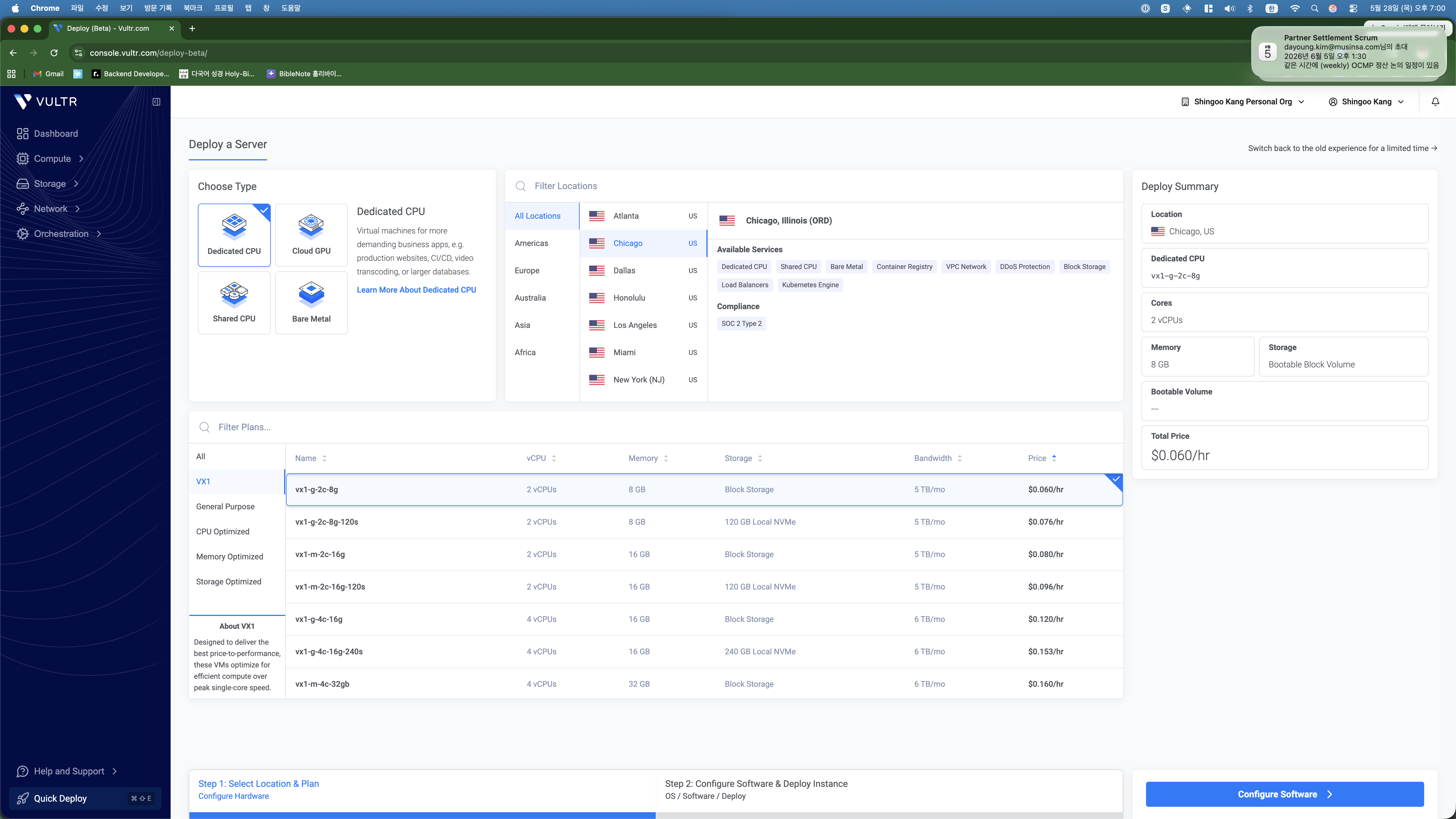
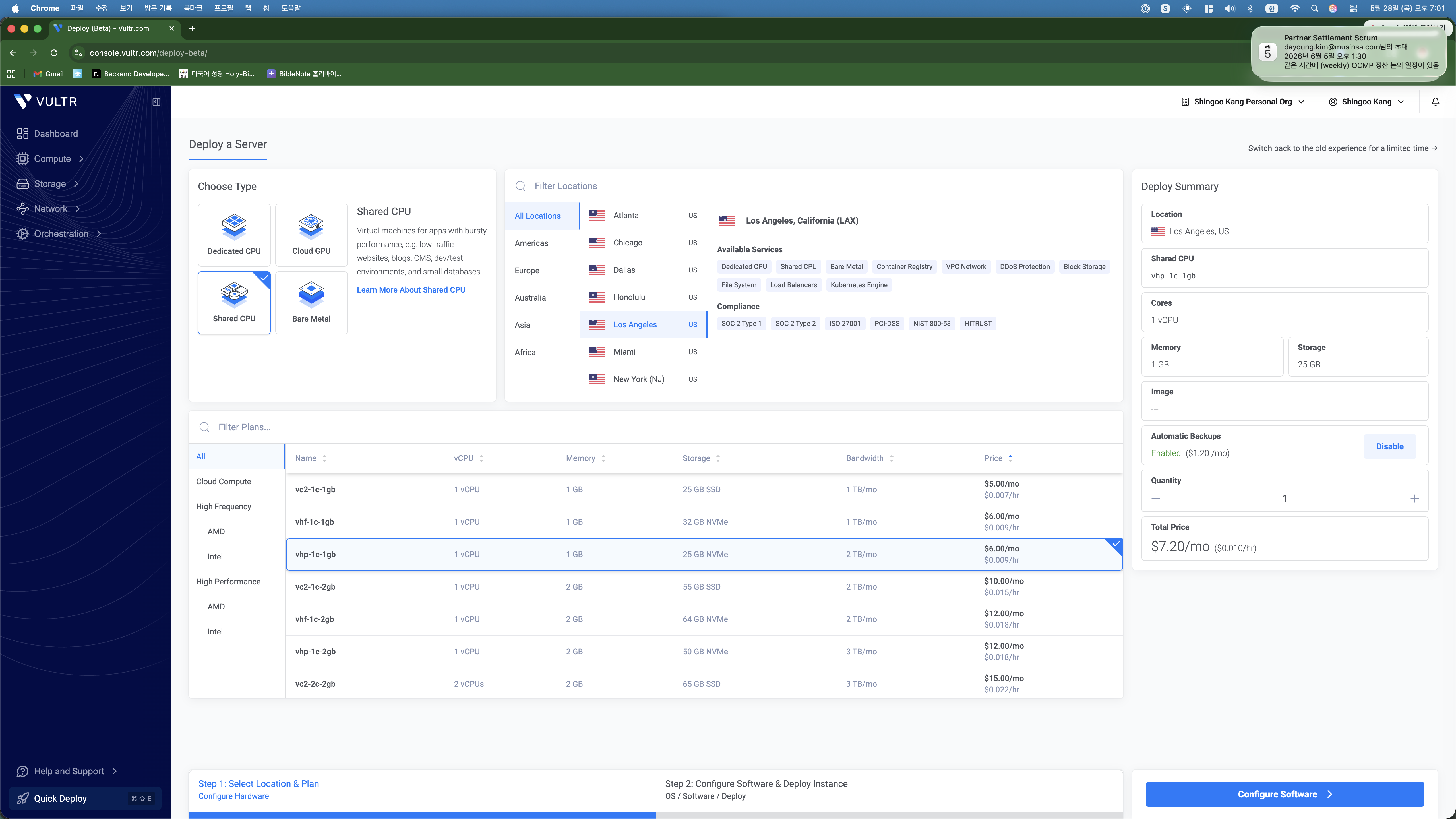
Claude told me three things to change: switch to Shared CPU, pick Los Angeles, and choose the $6/month plan. I did exactly that and sent another screenshot to confirm.
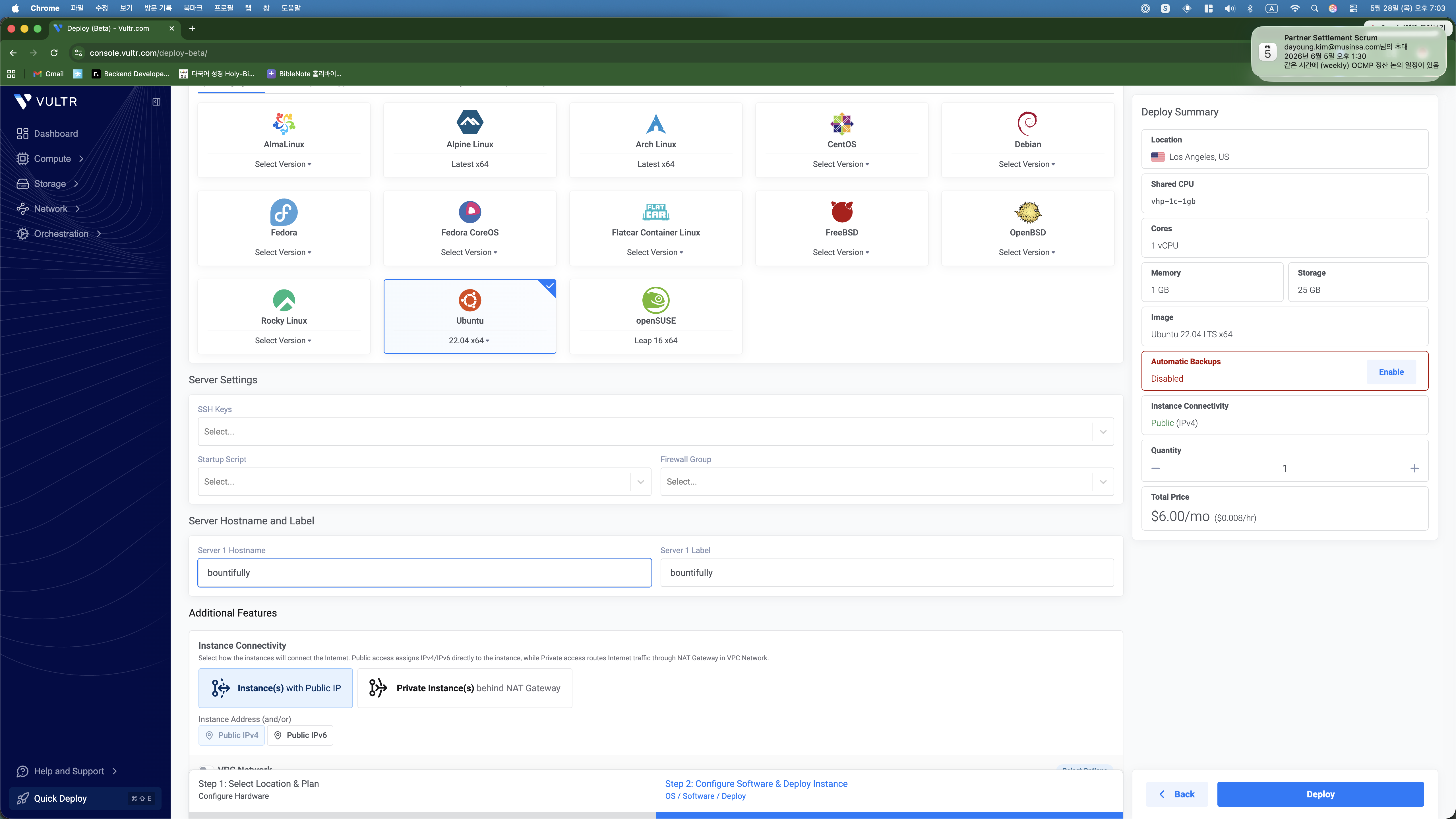
Next screen: OS selection. Another screenshot, another quick answer from Claude — “Ubuntu 22.04, name it whatever you want, hit Deploy.” Done.
Me: “Here is the IP and password. Install WordPress.”
Two minutes later the server was running. I copied the IP address and root password from the Vultr dashboard and pasted them into the chat with Claude.
And then Claude just… did everything. It connected to the server via SSH and started running commands. I watched it update system packages, install Nginx, install PHP 8.1 with all the WordPress extensions, install MariaDB, create a database, download WordPress, write the configuration files, and set up the Nginx virtual host.
I also told Claude I had bought a domain (reapbountifully.com) on Gabia (a Korean domain registrar). Claude walked me through the DNS setup — I sent a screenshot of the Gabia DNS management page, and it told me exactly which A records to add and what values to put in.
Then it set up SSL with Let’s Encrypt. The first attempt actually failed because the firewall was blocking ports 80 and 443. But Claude figured that out on its own, opened the ports, and retried. SSL certificate issued, HTTPS working, auto-renewal configured. All without me touching a single command.
The 500 Error (and How Claude Fixed It in 30 Seconds)
When I first opened reapbountifully.com in my browser, I got a 500 error. The site was broken before it even started.
I did what I had been doing the whole time — took a screenshot and sent it to Claude. It checked the error logs, found that the wp-config.php file had some escaped characters causing a PHP syntax error, regenerated the file cleanly, and restarted the services. The whole fix took about 30 seconds.
That is the thing about this workflow. Problems are not stressful because you do not have to solve them yourself. You just report what you see and let the AI handle it.
It Works!
After the fix, I refreshed the page and saw this:
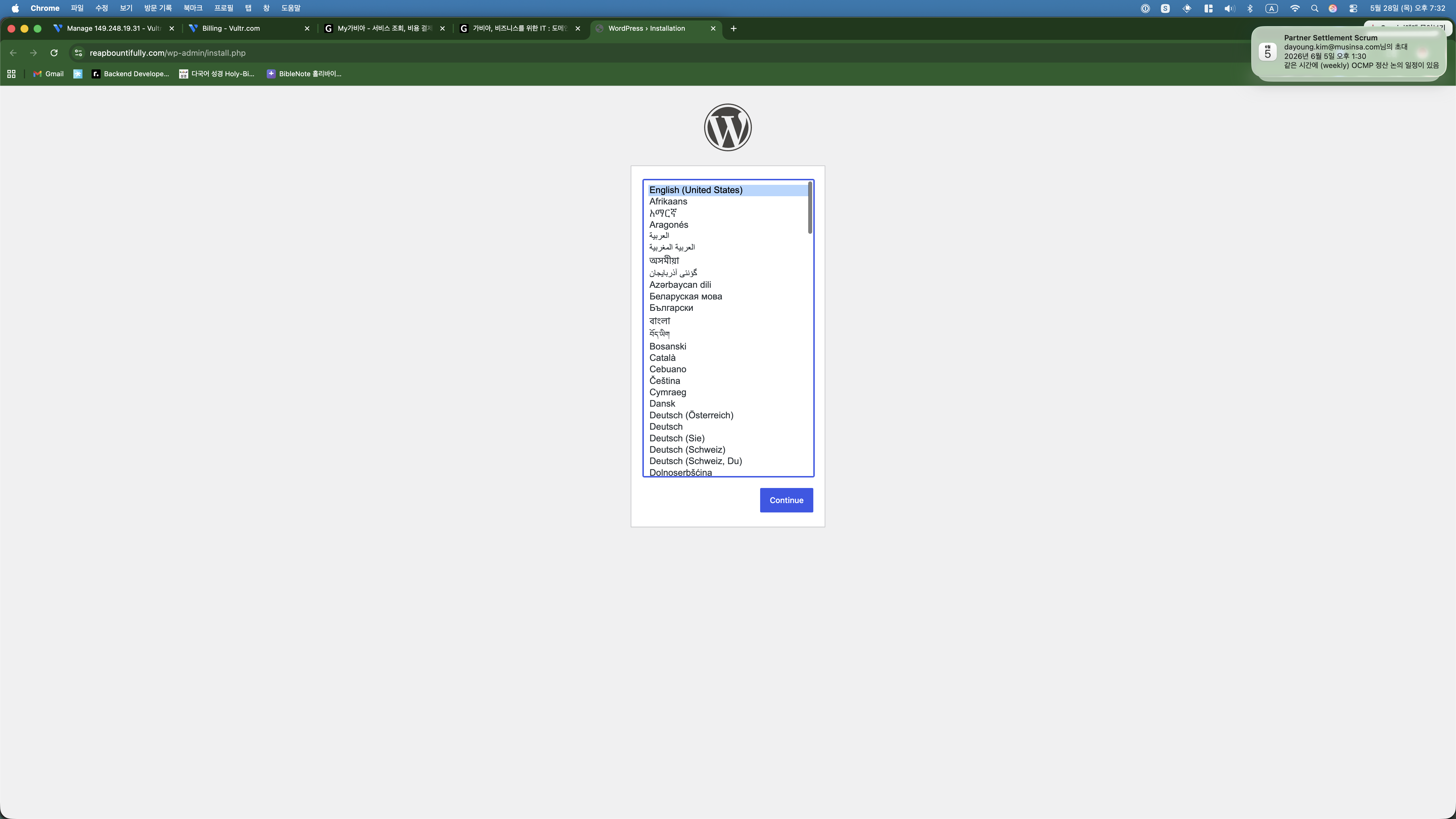
I was about to pick Korean, but Claude suggested English since the blog targets English-speaking readers. It mentioned I could switch the admin dashboard to Korean later for my own convenience. Smart.
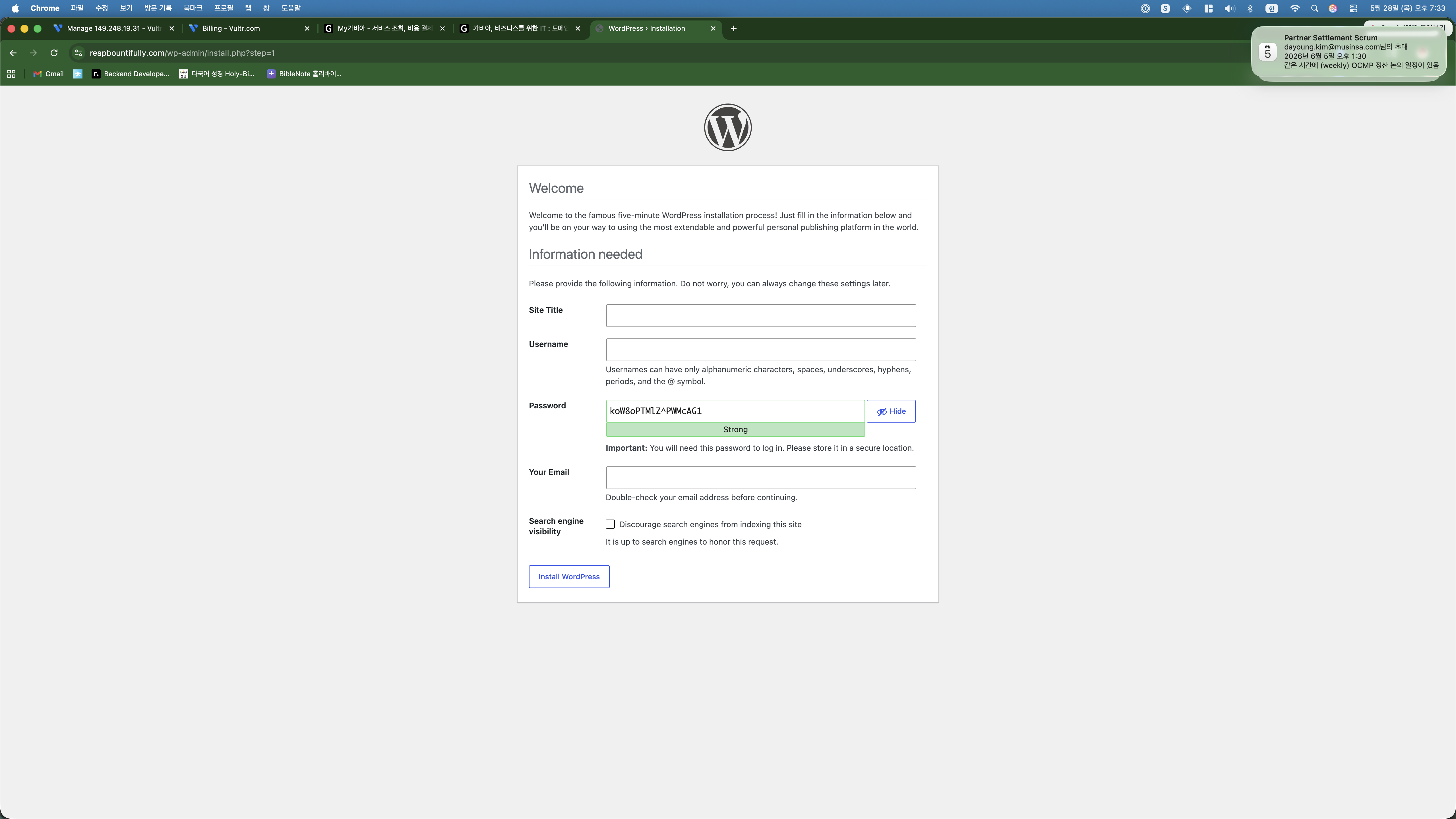
Clicked install and I was in.
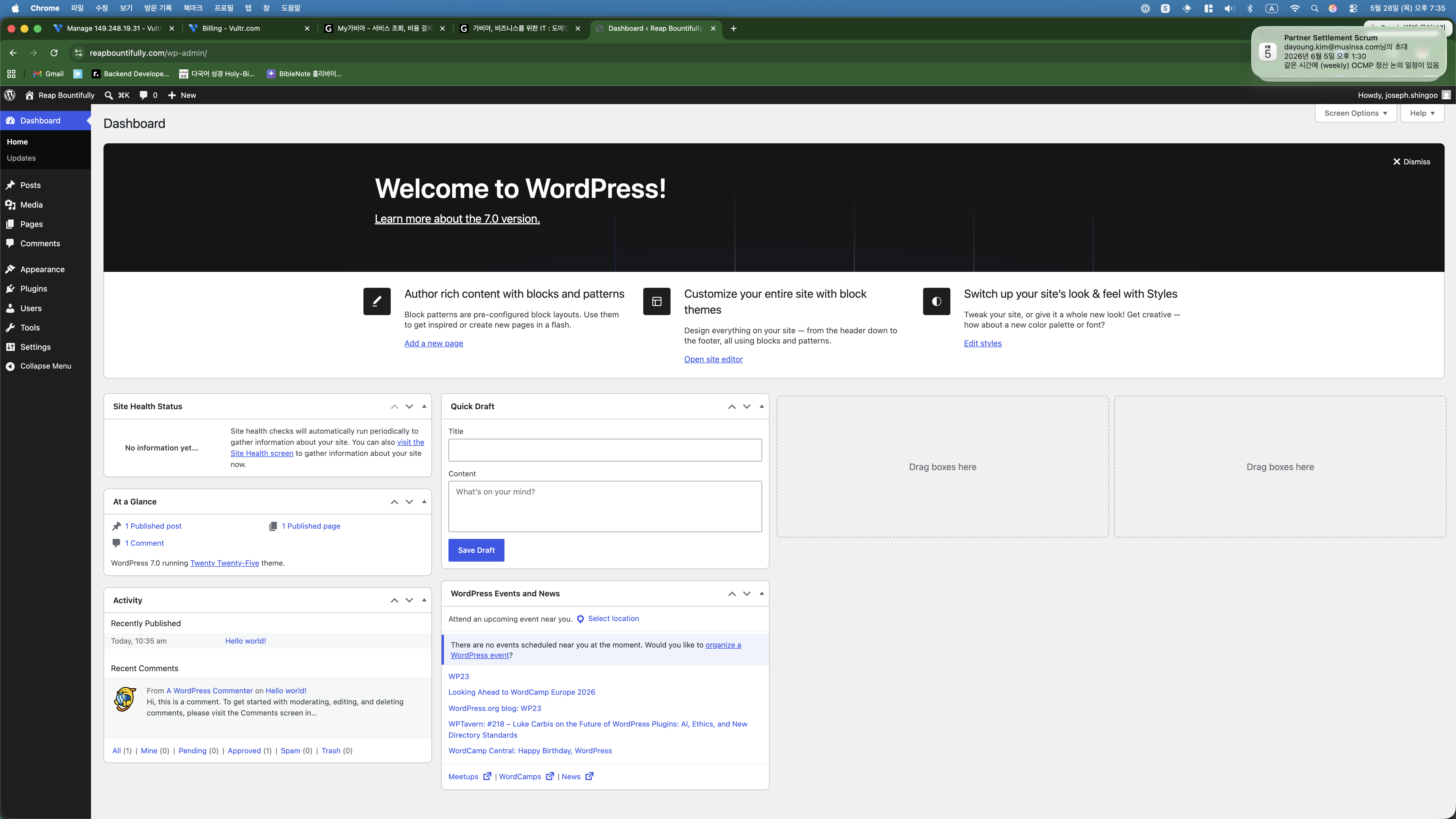
Me: “I want to make money with AdSense eventually.”
When I told Claude my end goal was Google AdSense, it immediately shifted gears and started doing things I would not have thought of:
It installed Yoast SEO and then walked me through the entire setup wizard — I sent a screenshot at every step and Claude told me what to select. It installed a caching plugin for performance. It changed the URL structure to be SEO-friendly. It created About, Contact, Privacy Policy, and Disclaimer pages (apparently Google rejects AdSense without these). It connected Google Search Console. It deleted the default “Hello World” post.
All of this happened the same way: Claude tells me what is needed, does the server-side stuff automatically, and when there is something only I can do (like the Google Search Console verification), it gives me step-by-step instructions while I send screenshots for confirmation.
And Yes — This Post Was Also Made with AI
Here is the thing I want to be completely transparent about: this blog post was written by Claude too. And not just written — published.
After the setup was done, I told Claude I wanted to write about the process. I said the key points in Korean — the overall story, what to emphasize, which screenshots to include, which ones to exclude (anything showing server passwords). Claude wrote the first draft in English.
I read it and said it felt too stiff, too “AI-written.” Claude rewrote it with a more natural, conversational tone. I then said I wanted the article to show the back-and-forth process between me and the AI, not just the end result. Claude restructured the entire piece around our actual conversation flow.
That is three iterations to get to what you are reading now. The AI writes, I direct. The AI suggests, I decide. It is a collaboration, and I think the result is better than what either of us would produce alone.
And here is the part that really gets me: I never even copied and pasted this article into WordPress. Claude has SSH access to the server. When the draft was ready, it ran a command to create the post directly in the WordPress database. The screenshots? Claude uploaded those to the server and registered them in the media library. The SEO-friendly URL, the formatting, the image captions — all handled server-side by the AI.
My literal workflow for publishing a blog post is: have a conversation in Korean, give feedback on drafts, and say “publish it.” That is it. I do not touch the WordPress editor. I do not copy-paste anything. The AI goes from draft to live post in one step.
Why am I telling you all this? Because there are millions of AI-generated articles online pretending to be human-written. I would rather be upfront about it. This entire blog — the server, the configuration, the content, the publishing — is a vibe coding project. And I think showing the process honestly is more interesting than hiding it.
What This Cost
| Item | Cost |
|---|---|
| Vultr VPS | $6/month |
| Domain name | ~$10/year |
| SSL Certificate | Free |
| WordPress + Plugins | Free |
| My actual effort | Taking screenshots, giving directions in Korean |
What is Next
- Write 15-20 posts about my side hustle experiments with vibe coding
- Apply for Google AdSense once there is enough content
- Document everything — real numbers, real failures, real process
Day 1, done. Let us see where this goes.